
Working as a Jomppa agent
From your application to your first payout. The pictures show made-up jobs, so your own screens will have your details.
01
Apply to become an agent
- 1
Fill in your application
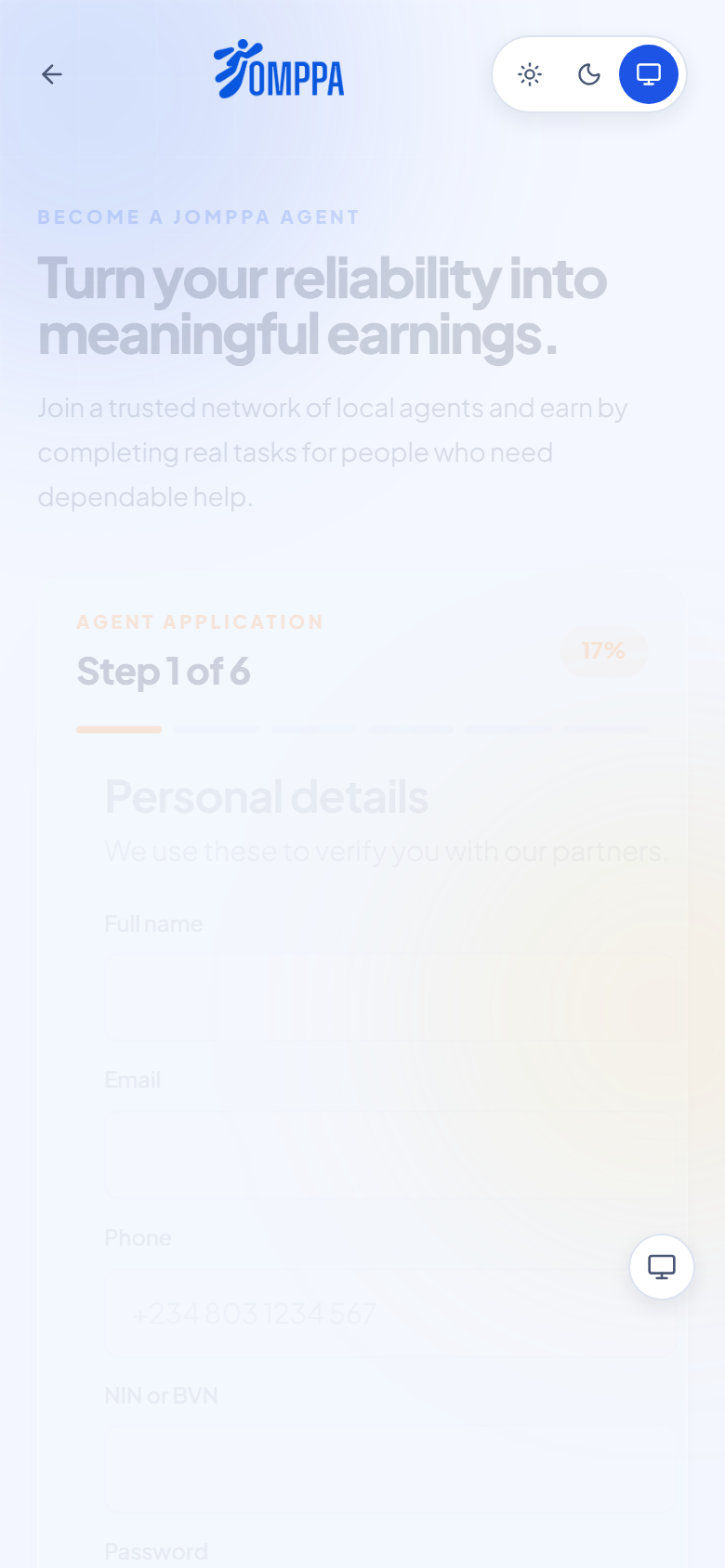
Go to Become an agent. The form has six short steps: your details, where you work, what you can do, and your ID documents.
- 2
Wait for approval
Jomppa checks your documents. Once you're approved, sign in and you land on the jobs list.
02
Find jobs
- 1
Go online and browse
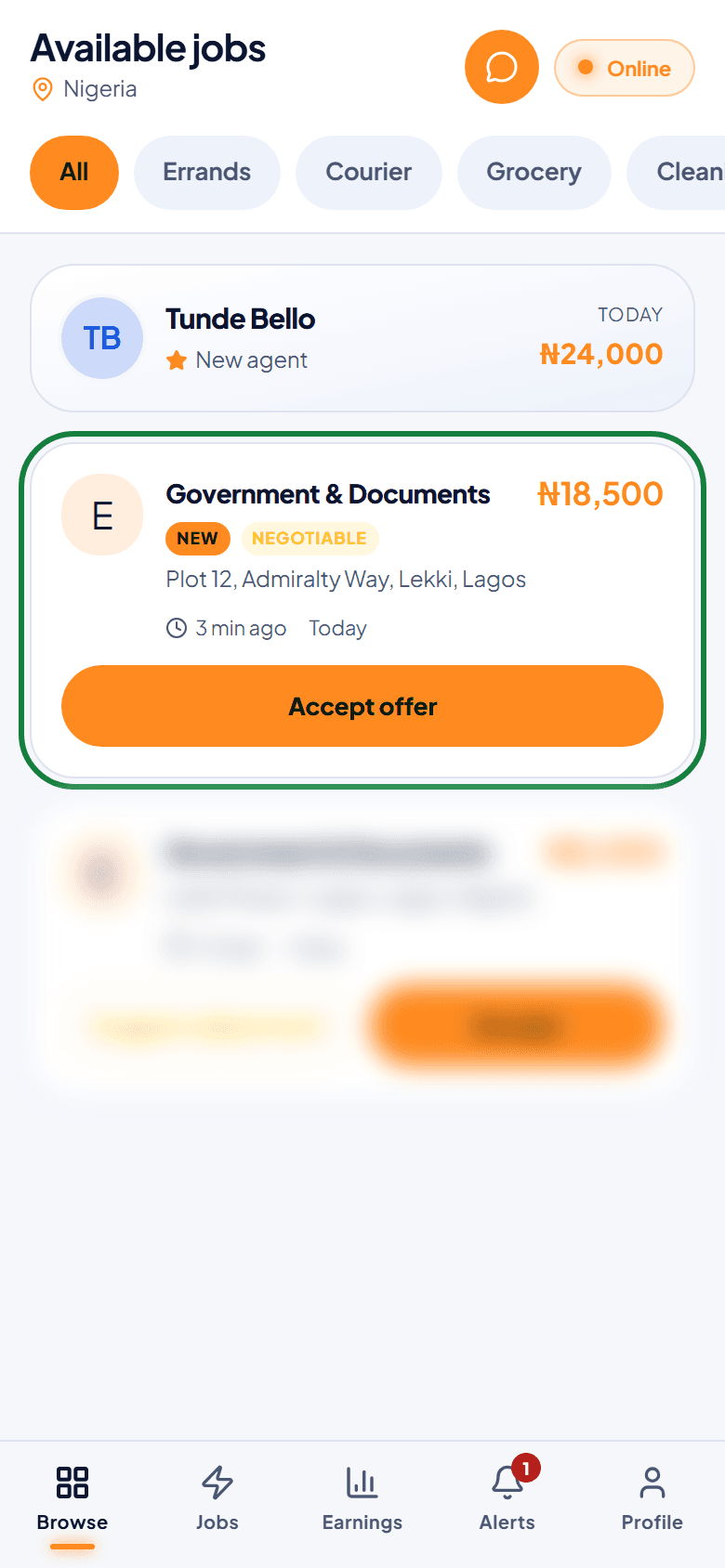
Stay online to see Available jobs. Use the filters, such as Errands, Courier or Gifts, to narrow the list, then tap a job to read the details.
Market and grocery runs go to Jomppa's own shopping agents, so they don't appear on everyone's list.
03
Take a job
- 1
Read the job, then accept or make an offer
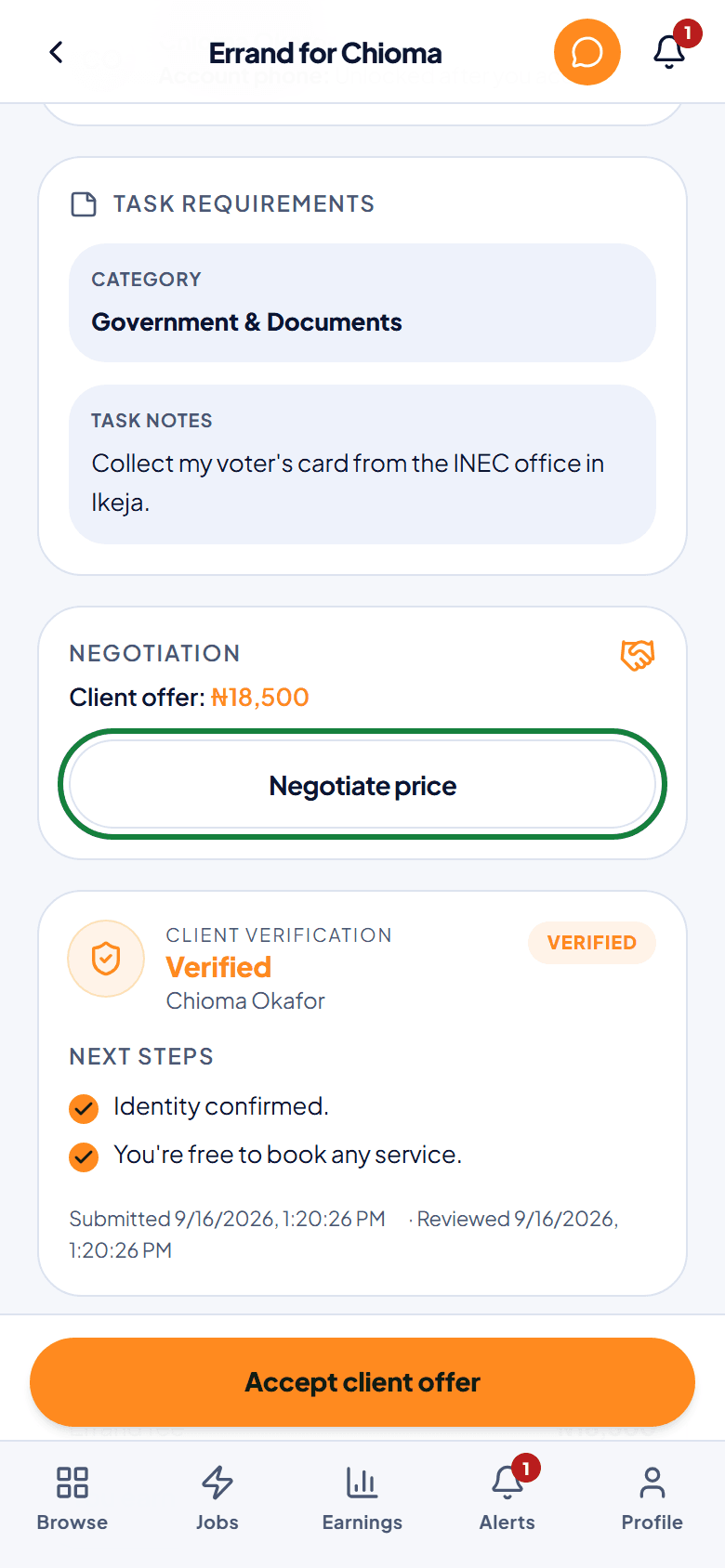
Check where to go and what the client wants done. Accept the client's price, or tap Negotiate price to send your own offer.
- 2
Wait to be hired
The client compares offers and hires one agent. You're told as soon as they choose you.
04
Do the job, one step at a time
- 1
Move the job forward as you go
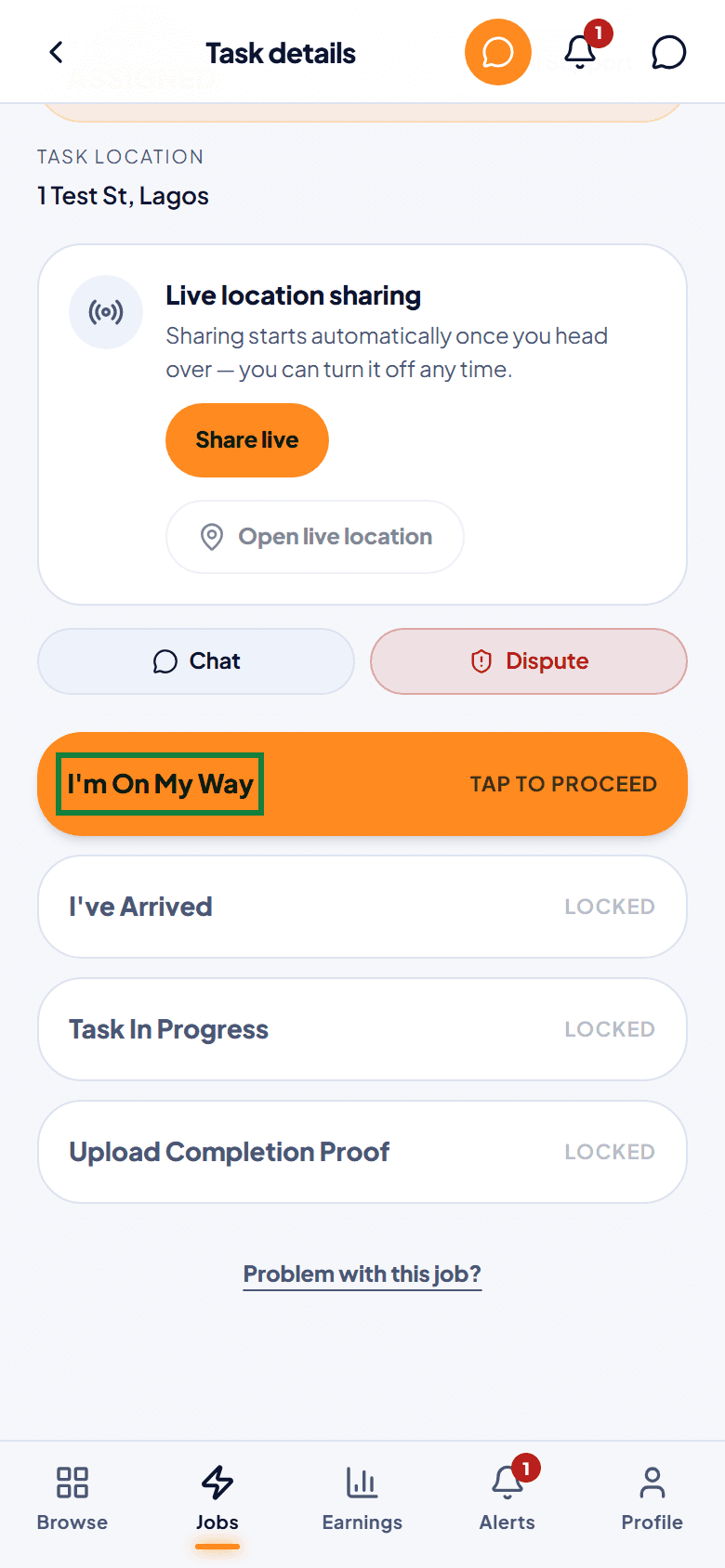
In Jobs, open the active job and tap each step when it happens: I'm On My Way, I've Arrived, Task In Progress. The client sees each update.
- 2
Keep the client in the loop
Use chat for questions while the job is going on. Chat closes when the job is finished.
05
Send proof
- 1
Take a clear photo and submit
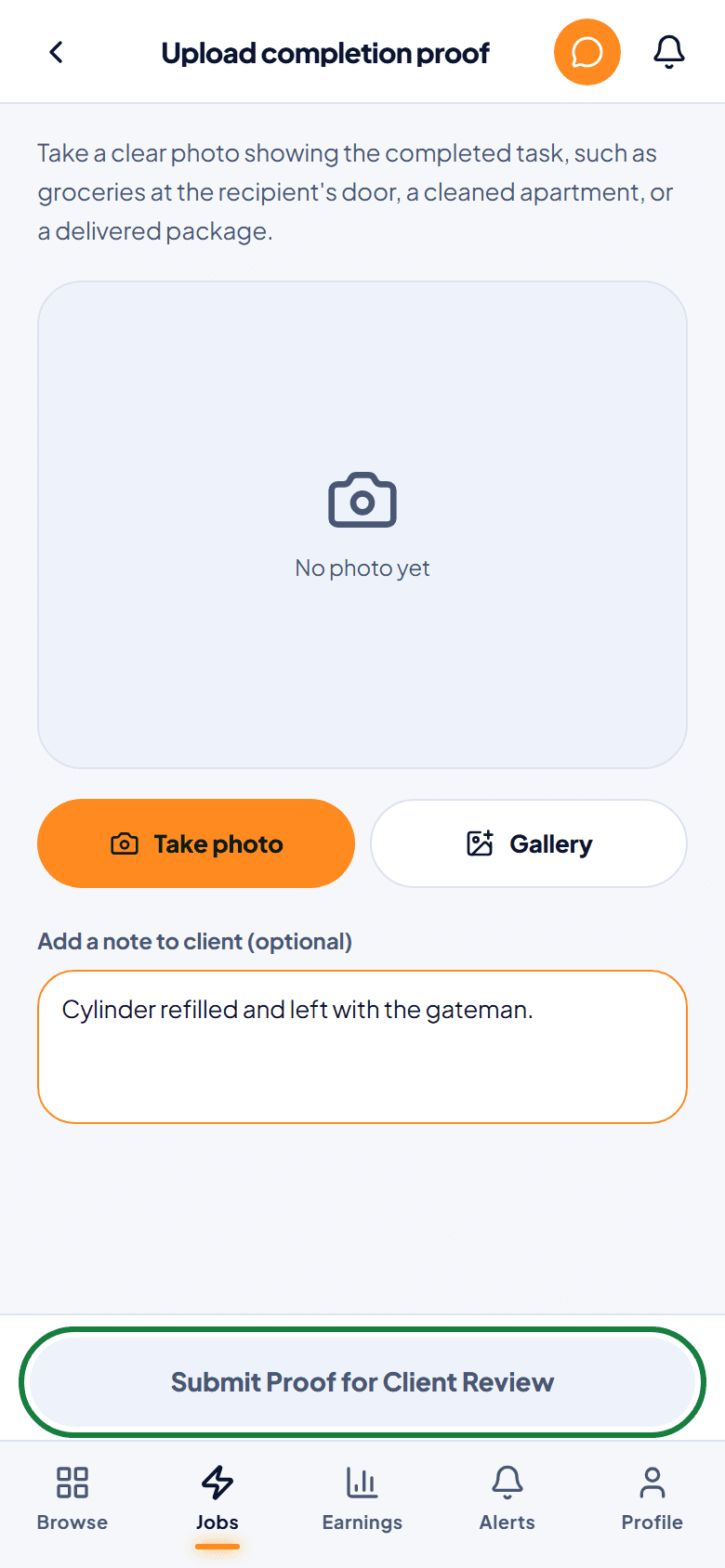
Tap Upload Completion Proof, take a photo that shows the finished job, add a short note, and tap Submit Proof for Client Review. The client approves it, or it's approved automatically after 24 hours.
06
Get paid
- 1
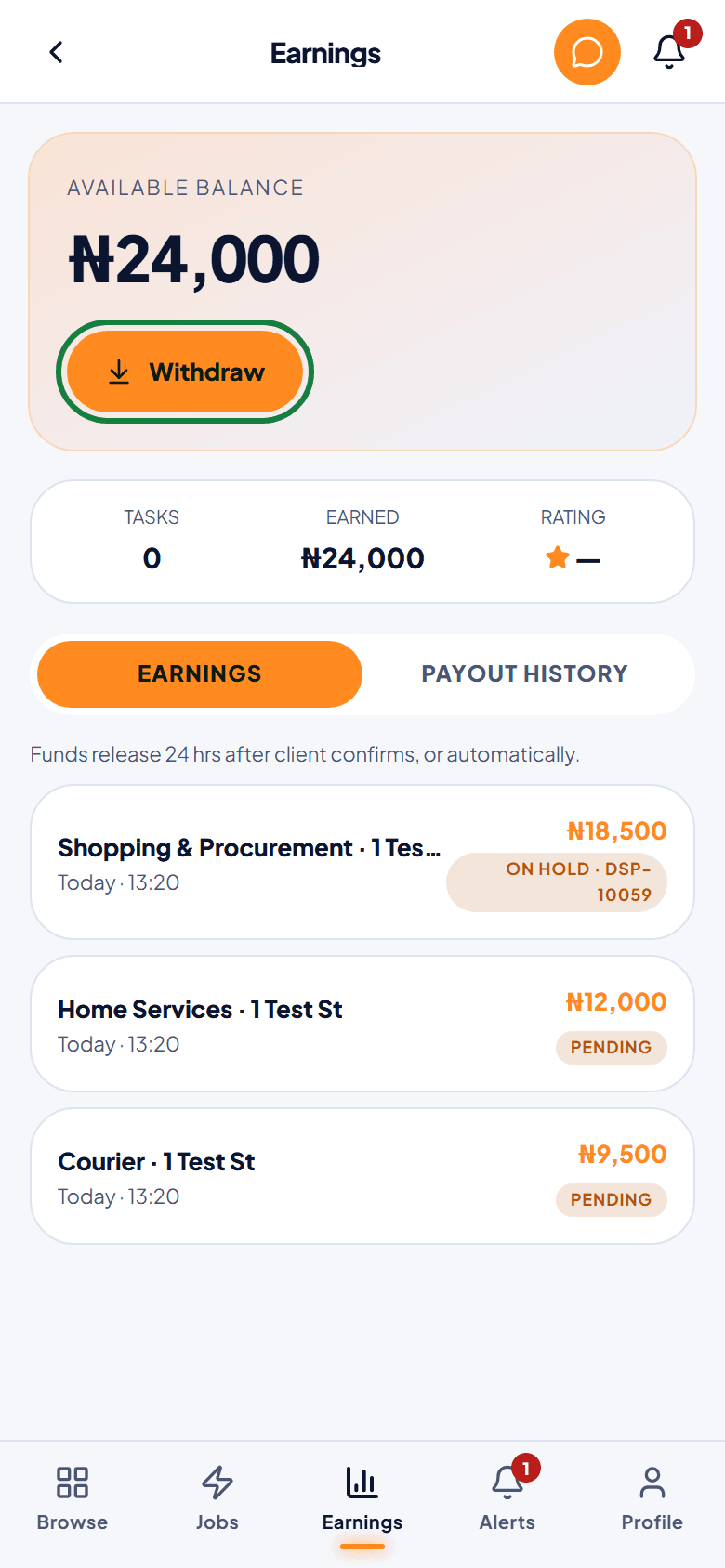
Check your earnings
Earnings shows your balance and each job. A job with an open dispute shows On hold with the dispute's reference until Jomppa decides.
- 2
Request a payout
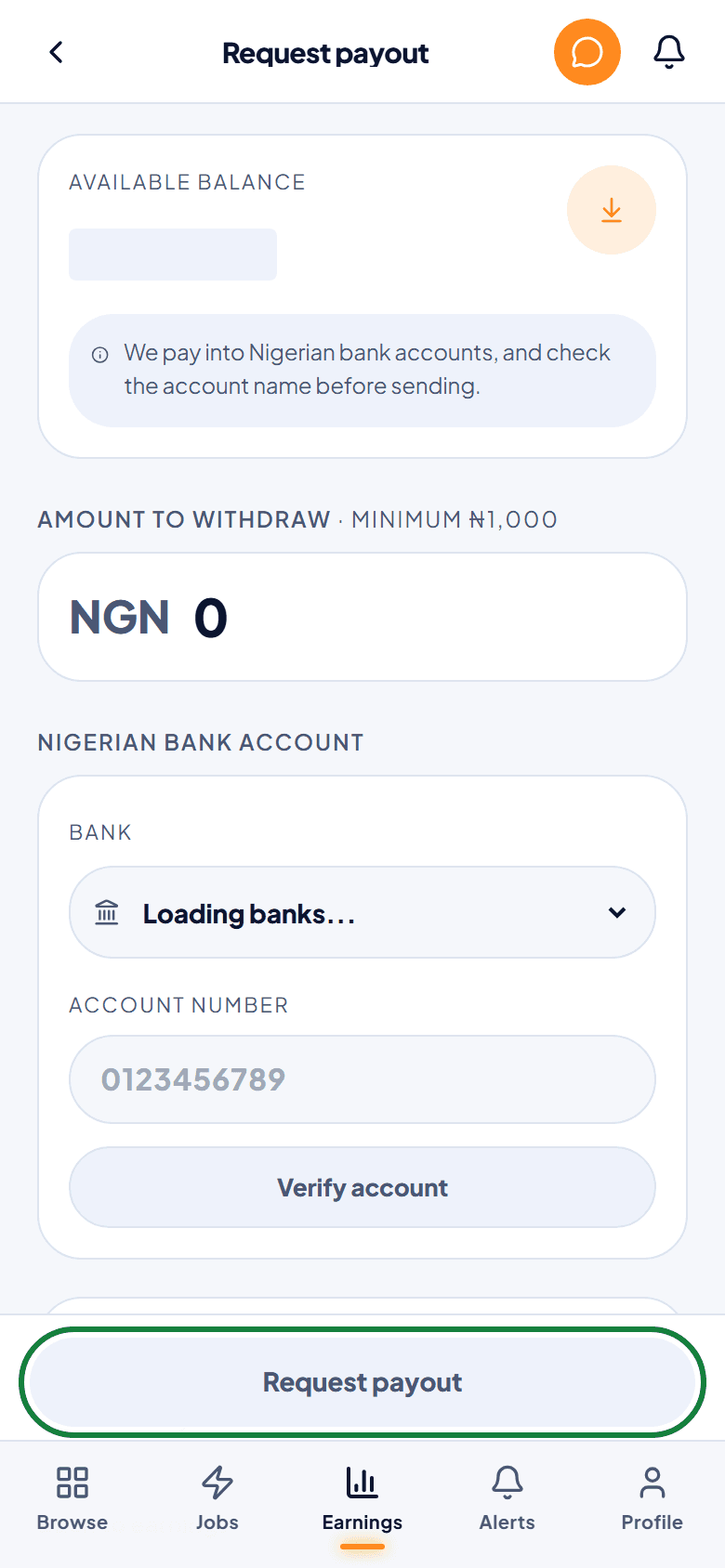
Tap Withdraw, choose your Nigerian bank account, and request at least ₦1,000. Jomppa reviews it and sends it to your bank.
07
When something goes wrong
- 1
Tell Jomppa from the job
On the job, tap Problem with this job?. Choose whether something is wrong, you can't continue, or you don't feel safe. If you don't feel safe, Jomppa replies within an hour.
- 2
If a client raises a dispute
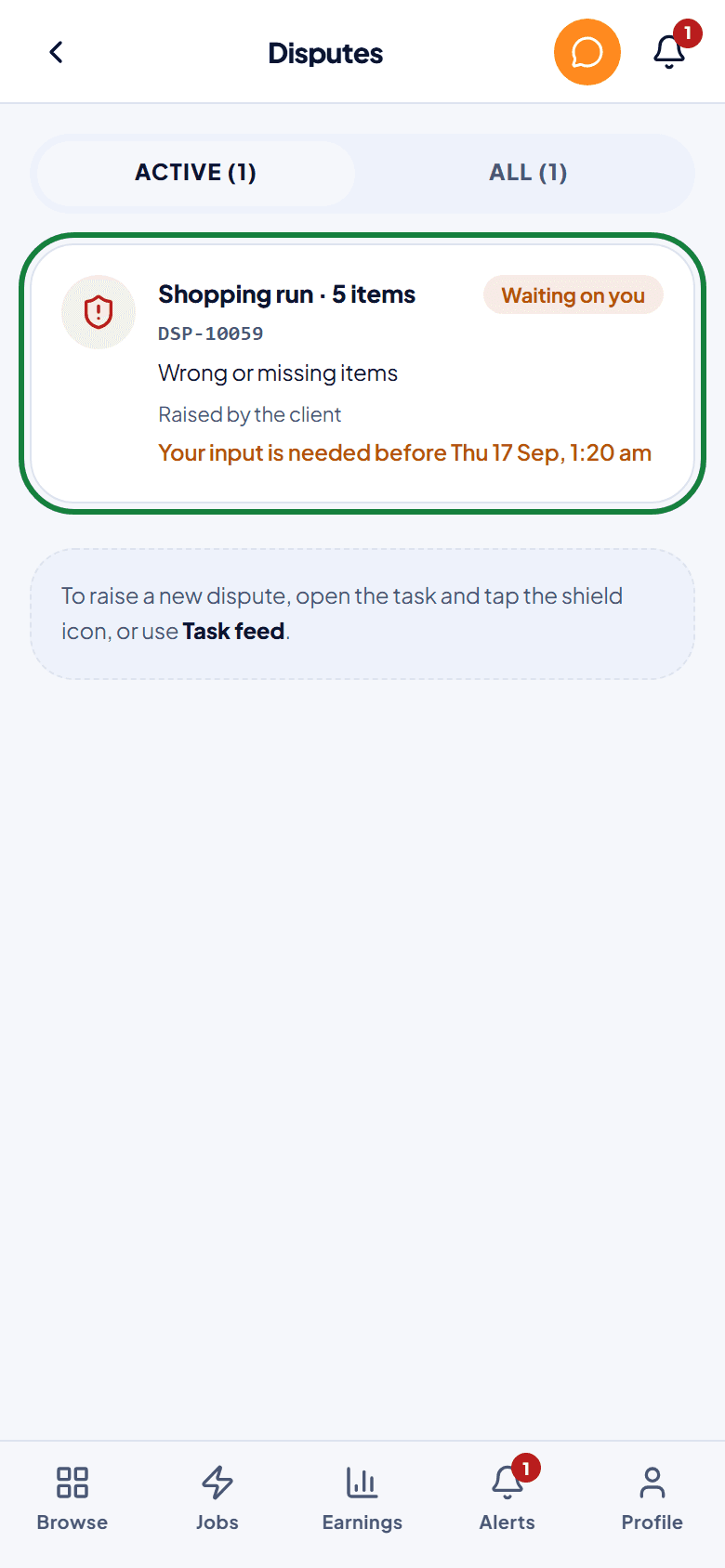
You're told straight away and have 12 hours to give your side. Your job record is added for you. Reply in the dispute and add any receipts.